
Most of you may have noticed that one earbud seems louder than the other. This common issue can be frustrating, but it is usually fixable. The imbalance can stem from a variety of reasons, such as dirty headphone jacks, connectivity issues, differences in ear shape, or even incorrect settings.
So, why is one earbud louder than the other? Let’s explore the topic in depth and provide step-by-step solutions to help you resolve this issue. Also, we’ll recommend one amazing pair of earbuds, because most of the time, the problem happens due to low-quality earbuds. So, let’s dive in!
How Do You Fix One Earbud Louder Than The Other?
Here are five different ways to fix one earbud that’s louder than the other:
1. Clean The Headphone Jack
One of the most common reasons for one earbud sounding louder than the other is a dirty headphone jack. Over time, dirt and debris can accumulate in the jack, leading to poor connectivity and uneven sound output. To fix this:
- Use a can of compressed air to blow out dust and debris gently.
- Take a cotton swab, slightly dampened with rubbing alcohol, and clean the inside of the headphone jack carefully.
- Ensure the jack is completely dry before plugging in your earbuds.
Regular cleaning helps maintain sound quality and ensures proper connection between the earbuds and the device.
2. Check The Earbuds For Damage
Physical damage to the earbuds can also cause uneven sound. Inspect the earbuds for visible issues like frayed wires, cracks, or blocked audio ports. Here’s what you can do:
- If you notice a buildup or blockage in the audio port, clean it with a dry, soft-bristled brush.
- For wired earbuds, gently straighten any kinks or twists in the cable.
- If the damage appears severe, it might be time to replace the earbuds.
3. Adjust Audio Balance Settings
Sometimes, the issue might be due to the settings on your device. Most smartphones, computers, and audio devices allow you to adjust the audio balance between the left and right earbuds. Follow these steps:
- Go to the settings menu on your device.
- Look for the audio or accessibility settings.
- Adjust the audio balance slider to center it equally between the left and right sides.
This ensures that sound levels are evenly distributed to both earbuds.
4. Test The Earbuds On Another Device
To rule out issues with your device, test the earbuds on another device. If the problem persists, it’s likely an issue with the earbuds themselves. If the other device works fine, your primary device may require further troubleshooting.
5. Reset Or Reconnect Bluetooth Earbuds
For wireless earbuds, connectivity problems can lead to one side being quieter. Try the following steps:
- Reset your earbuds according to the manufacturer’s instructions.
- Unpair the earbuds from your device, then reconnect them.
- Ensure that your device’s software is up to date.
Why Is My Earbud Volume So Low On One Side?

Several factors can contribute to low volume in one earbud, from signal loss to improper fit. Here are some common reasons and how to fix them:
1. Audio Signal Loss
Signal loss can happen if the earbud isn’t firmly seated in the ear or the connection with the device is unstable. Ensure:
- The earbud is snugly placed in your ear.
- The cable (for wired earbuds) is firmly plugged into the device.
If using wireless earbuds, restart your device to refresh the audio connection.
2. Battery Imbalance In Wireless Earbuds
For wireless earbuds, sometimes one side might have a lower charge than the other, affecting performance. Check the battery levels of each earbud through the app or device settings and charge them evenly.
3. Varying Sound Levels In Device Settings
Your device may have unequal sound configurations between the earbuds. Check sound level settings and ensure they are balanced.
4. Blocked Earbud Speakers
A buildup of earwax or dust in the earbud’s speaker can cause muffled or weak sound. Regular cleaning with a dry cotton swab or soft brush can resolve this issue.
Also read: Are Headphones Better Than Earbuds?
How To Fix Sound In One Earbud?
It can be particularly frustrating when sound is only coming from one earbud. Here’s what you can try:
1. Inspect For Loose Connections
For wired earbuds, ensure the 3.5mm jack is fully inserted. For wireless earbuds, check that both earbuds are paired properly to your device. Weak or partial connections can result in one earbud not functioning.
2. Update Your Device’s Firmware
Outdated software can lead to compatibility issues. Keep your devices up to date to ensure proper functioning of the earbuds.
3. Replace Earbud Tips
Poorly fitting earbud tips can disrupt sound quality. Try replacing the tips with a size that fits snugly into your ears. Proper fitting tips also improve noise isolation and enhance overall audio quality.
4. Perform A Soft Reset
Resetting the earbuds can also help resolve sound issues. Many wireless earbuds include a reset feature that restores them to factory settings and clears connectivity issues.
5. Check For Water Or Moisture
Exposure to water or moisture can damage the internal components of the earbuds. If you suspect water damage:
- Gently shake out any moisture.
- Place the earbuds in a bowl of uncooked rice or a desiccant pouch to absorb the remaining moisture.
Note: Avoid using the earbuds until you are confident they are completely dry.
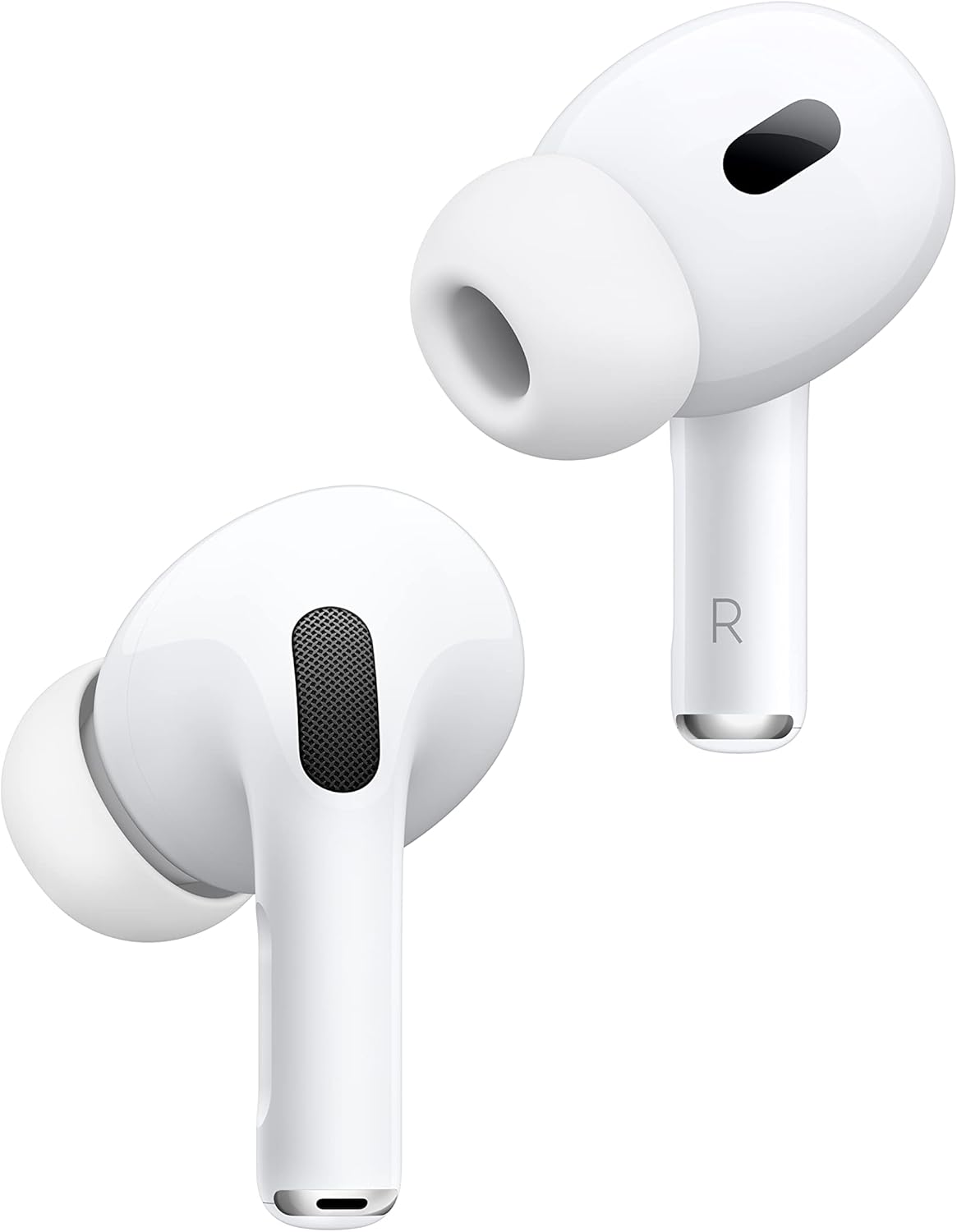
Our Recommended Earbuds To Buy In 2025
AirPods Pro 2
Closing Remarks
The issue of one earbud being louder than the other is a common annoyance, but it’s usually fixable with a little effort. Today, we have shared some of the most common causes and solutions for this problem. We hope this guide has been helpful and that you are now able to enjoy your music with balanced sound in both earbuds.
Thanks for reading!
You can also read: How To Connect JBL Earbuds?