
How to find lost Bluetooth earbuds that are turned off? Is it like you’ve just lost them and they can’t be found again? All you just have to do is sit down cry or get yourself new ones? Well, NO! Not at all! In fact, there are 7 different ways that can help you find your lost Bluetooth earbuds that are turned off. So, without wasting any single minute, let’s dive in!
7 Ways – How To Find Lost Bluetooth Earbuds That Are Turned Off?
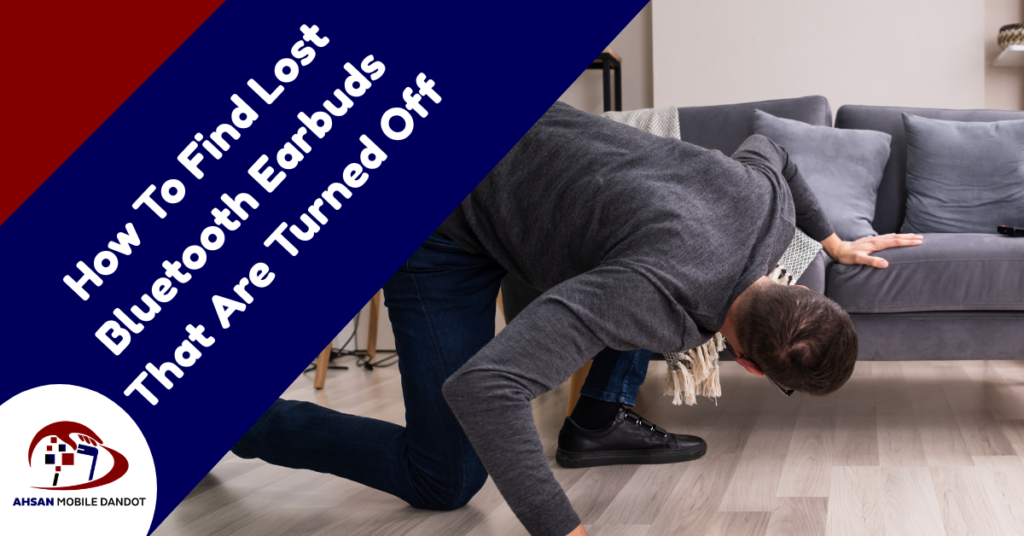
Bluetooth earbuds are small and easy to misplace, especially when they are turned off and harder to locate. They often fall into tiny spaces like couch cushions or under furniture, making the search more challenging.
Here are the 7 simple ways on how to find lost Bluetooth earbuds that are turned off:
1. Use Scanner Apps
Finding the lost Bluetooth earbuds using scanner apps is the best way to track them down when they are turned off and out of sight. These apps are designed to scan for nearby Bluetooth devices, providing helpful tools like signal strength indicators to guide you. Your earbuds may not be actively transmitting sound, their Bluetooth signals are still detectable by these specialized apps, making them incredibly effective for such situations.
Find My Headphones, which is tailored specifically for locating Bluetooth headphones. It offers a proximity meter that indicates how close you are to your earbuds, making it easier to zero in on their location. Note that this application is not free but it is worthit because who knows it may help you find your airpods pro.
Bluetooth Finder, is another app that scans for nearby devices and displays their signal strength so you can tell if you’re moving in the right direction.
BLE Scanner, works with any Bluetooth device, offering a versatile scanning tool to locate your lost earbuds quickly.
By using these apps, you can turn a frustrating search into a more manageable process.
2. Use Manufacturer Apps
If your earbuds are of some well known brands like Apple, Samsung, or Jabra, you might have access to special apps that can help you find them. Many Bluetooth headphone manufacturers offer these apps with features like “Find My Headphones” or “Bluetooth Finder.” These tools can show the last known location of your headphones and even help track them using signal strength.
Apple AirPods: Use the “Find My” app on your iPhone or iPad. This app shows the last place your AirPods were connected and can play a sound to help you find them.
Samsung Galaxy Buds: Use the “Galaxy Wearable” app. It has a “Find My Earbuds” feature that plays a sound, making it easier to locate them.
Jabra: Use the “Jabra Sound+” app. It offers a “Find My Jabra” feature that shows the last known location and plays a sound to assist in finding your headphones.
These apps make it simpler and less stressful to locate your earbuds when they’re misplaced.
3. Check the Places You Recently Visited
When you lose your earbuds and they are turned off, you could probably start panicking. It can be stressful, but staying calm is the first step to do. The easiest and most straightforward method to find your lost Bluetooth earbuds is to retrace your steps. Think about the last time you used them and where you went afterward. Check common spots where you usually place them, like your desk, nightstand, or gym bag. Sometimes, just revisiting these places can help jog your memory and lead you to your missing earbuds.
Stress can make it harder to think clearly, and searching for lost earbuds often adds to the pressure. Remind yourself that you will find your earbuds it just might take a little time. Once you’re in a calmer state of mind, you may find it easier to remember where you last saw them or think of other places to check.
4. Check the Place Where Lost Things Are Kept
If you lost your earbuds in a public area, such as a gym, office, or cafe, don’t forget to check the lost and found department. Many people return items they find, and there is a good chance your earbuds might be there, waiting to be reclaimed. Staff members at these places are responsible to helping reunite lost belongings with their owners, so it’s worth asking them right away.
Describe you earbuds as detailed as possible such as their color, shape, model. The more information you provide, the better your chances of recovering your earbuds quickly.
5. Search Within Bluetooth Distance
Average Bluetooth earbuds range is 10 meters, which is about 30 feet. This means if you are within this distance from your earbuds, your device should still be able to detect them. To start your search, turn on the Bluetooth feature on your smartphone or other connected device. Then, walk slowly around your home or the area where you think your earbuds might be. As you move, keep looking at the list of available devices on your screen to see if the earbuds show up.
If your earbuds appear in the list, it is a sign that you are getting closer to their location. This method works well because Bluetooth signals are strongest when you are near the device. Be sure to check places where your earbuds could have slipped, such as behind cushions, under furniture, or inside bags. By staying within the Bluetooth range and carefully searching the area, you have a good chance of finding your missing earbuds.
These specifications are available only in Bluetooth airbuds, you can’t find your normal earphones such as stereo earphones, tangled free earphones with this strategy.
6. Use a Tracking Device Like Tile
Tracking devices also play an important role in finding lost items like earbuds. These devices, such as Tile, can be attached to your earbuds case or other belongings. When paired with a smartphone app, the tracker emits a signal that helps you locate your missing item. Some tracking devices even have features like sound alerts or location history, making it easier to pinpoint the last known location of your earbuds. This can save you time and frustration when searching.
Another useful feature of tracking devices is the ability to activate them remotely. For example, if your earbuds are somewhere nearby but out of sight, you can use the app to make the device beep or light up. This can guide you straight to its location, even if it’s hidden under a pile of clothes or inside a bag. Tracking devices are especially helpful if you lose things often, providing a simple and effective way.
7. Ask From Others
Sometimes one of the people from your surroundings can make a big difference when you’re trying to find something.Ask family members, friends, or even coworkers if they have seen your earbuds or if they can help you look for them. They might remember spotting them in a place you completely overlooked or help in narrowing down the search. This teamwork can save a lot of time and frustration.
Sometimes, others can also come up with suggestions you hadn’t thought about. They might ask if you checked certain spots like your car, a bag you often use, or even a table you rarely keep things on. Their help can guide you to unexpected places where your headphones might be.
Closing Remarks
So, there you have it! 7 Simple ways on how to find lost Bluetooth earbuds when they are turned off. Honestly, the chances are 50-50, but it is always worth it to give it a try. It doesn’t take a lot of effort.
We hope you found the blog informative and it helped you or added some information to your knowledge. Thanks for reading!